
From the car arriving to the invoice, in a single document
Every car that comes in has a work order with everything written down: the condition on arrival, the jobs, the real time spent on each phase and the signatures. And when something needs approving, Cafler AI notifies the customer for you.
 Édouard BernardPrivateActivePulled from CRM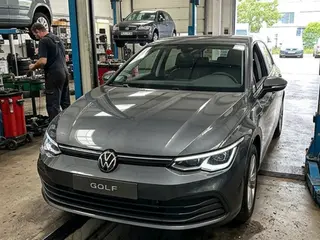
Tap each zone to cycle no damage → light → moderate → severe
The car's whole journey through the shop, in one place
The list tells you where every car stands. Inside, the Quick order clears everyday work in a minute and the Full order carries the protocols, the photos and the signatures. Both end in the same invoice.
You know where every car stands without asking
Open orders with their progress bar, their status and whether they can be billed yet. Search by plate, customer or order number, and the whole row opens the detail.
Work orders
What the inspection finds,
turned into an estimate
When the inspection is finished, Cafler AI prepares the notice with the mechanical faults the technician found, sorted by priority, and the services that would go into the estimate. You review it and, when you notify, the customer gets a WhatsApp asking if they want an estimate. If they say yes, the services move into a draft estimate.
- Findings arrive sorted by priority: safety first, then what is recommended.
- It focuses on the mechanical faults from the inspection, each with its category.
- The customer gets a WhatsApp asking if they want an estimate.
- Nothing goes out without your OK, and if they say yes the estimate stays as a draft for you to review.
What the inspection found
If they say yes, it goes into the estimate
Édouard BernardQR-827-JLWO-2026-0324 · 16/10 · 18:12Sent · awaiting replyThe legal document is ready before check-in ends
Type the plate and the customer and their car are already on screen. Mark how the vehicle arrives, note what they came in for and add the jobs from your catalogue. A minute later the car has a signed order.
- The search box pulls customer and vehicle from the CRM by plate, name or phone number.
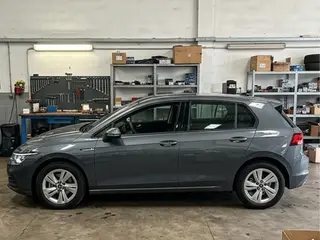
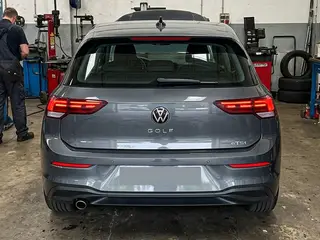
- The nine zones of the vehicle are marked with a tap: no damage, light, moderate or severe.
- Mileage and fuel are recorded on arrival and checked again at handover.
- Out comes the legal document with both signatures, and the estimate follows with nothing retyped.
Tap each zone to cycle no damage → light → moderate → severe
Six phases, each one with an owner
When the job carries a protocol, the order opens phase by phase: vehicle intake, technical inspection, estimate, work order, billing and handover. Each one unlocks as the previous closes, and records who did it and how long it took.
- The board shows which phase each car is in and how many steps are left.
- Every task has a timer: start, pause and complete, with the real time recorded.
- Photo and video evidence stays attached to its phase, with date and time.
- If a part is missing, the order is blocked and flagged until the delivery arrives.
No car leaves without an invoice and a signature
From the order itself you generate the pro forma, record the payment and issue the invoice. Then the handover protocol checks mileage and fuel against the arrival figures and collects the customer’s signature.
- Pro forma, payment and invoice come out of the order; with an ERP connected, your ERP issues it.
- Take payment now or later: card, cash, bank transfer, or 15, 30 and 60 days.
- Handover checks mileage and fuel against the arrival figures, with photos and a signature.
- Everything is auditable: who did what, when, with which photo and which document.
See work orders running with your own services
A 30-minute live demo: we open an order with your jobs, your protocols and your prices.