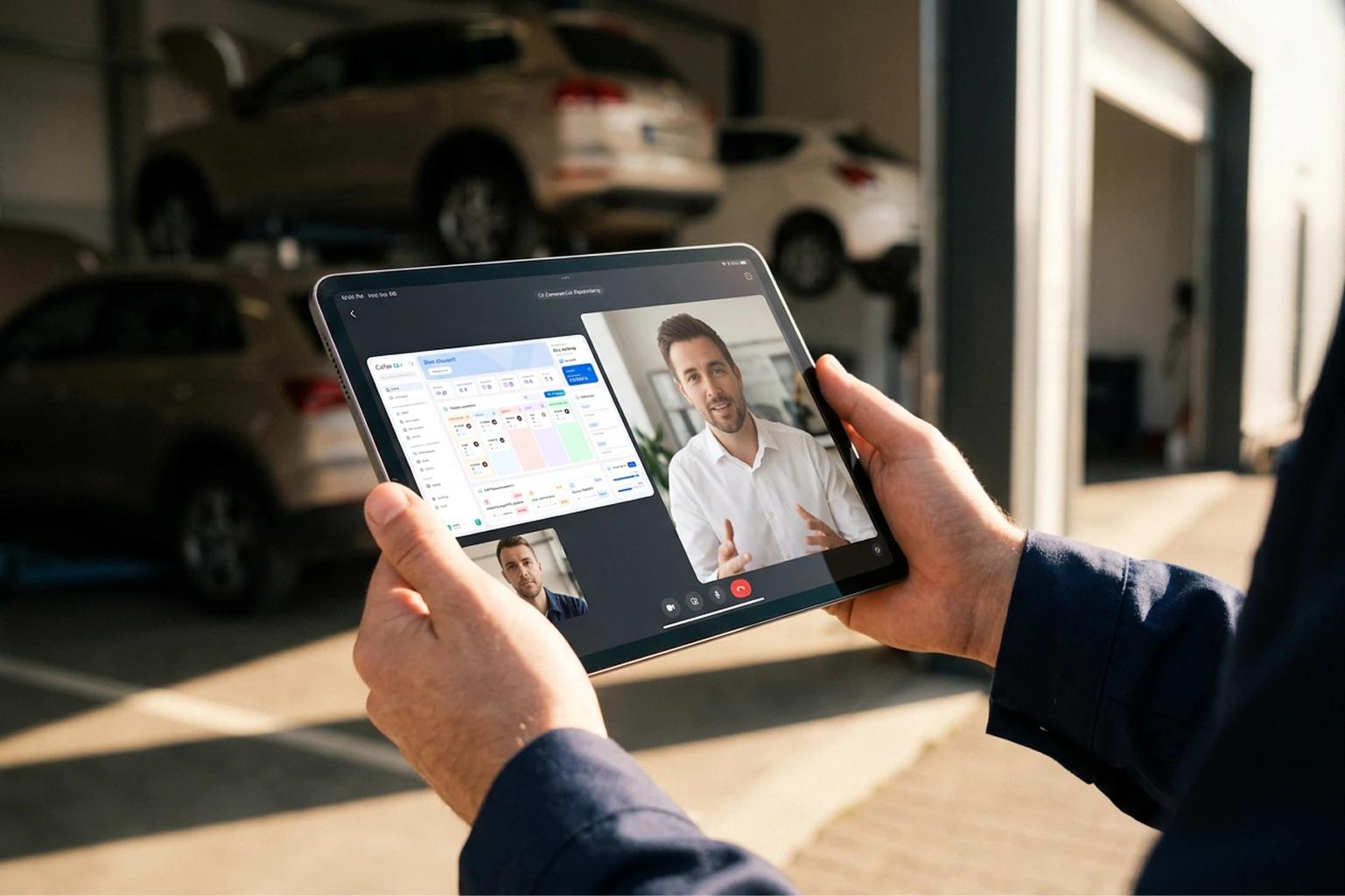
The first car of the day is already at the door, and the service manager hasn't made it to the office yet. They don't need to.
Phone out of the pocket, still closed, they ask the AI Assistant: "What's running low?" Two parts. The order goes to the usual supplier from the same chat.
They open it next to the car: plate read, vehicle photos taken, work order open. Then they set it down on the bench and see the whole day: the month on one side, every technician's open slots on the other.
By nine the workshop is up and running. The office lights are still off.
None of this is new to a workshop: ordering parts, checking in a car, looking at the schedule. What changes is where it happens. For years, every one of those jobs meant walking back to the computer at the front desk. When workshop management fits in a phone that opens, it happens where the work is: by the car, in the bay, on the way to the front desk.
The work in a workshop happens next to the car. Now the management does too.
What is the iPhone Duo, and why does it fit a workshop?
The iPhone Duo is Apple's foldable iPhone. Closed, it's a phone that fits in your coverall pocket. Open, it's a large screen, with room to see more at once.
That extra room is what makes it interesting for a workshop: Cafler OS looks the way it does on a computer, nothing cut off. The list and its details, the month and the day, side by side.
Three ways to use it in a workshop day
The same phone plays a different role depending on how you hold it. These are the three moments where it makes the biggest difference.
1. Closed: ask and keep moving
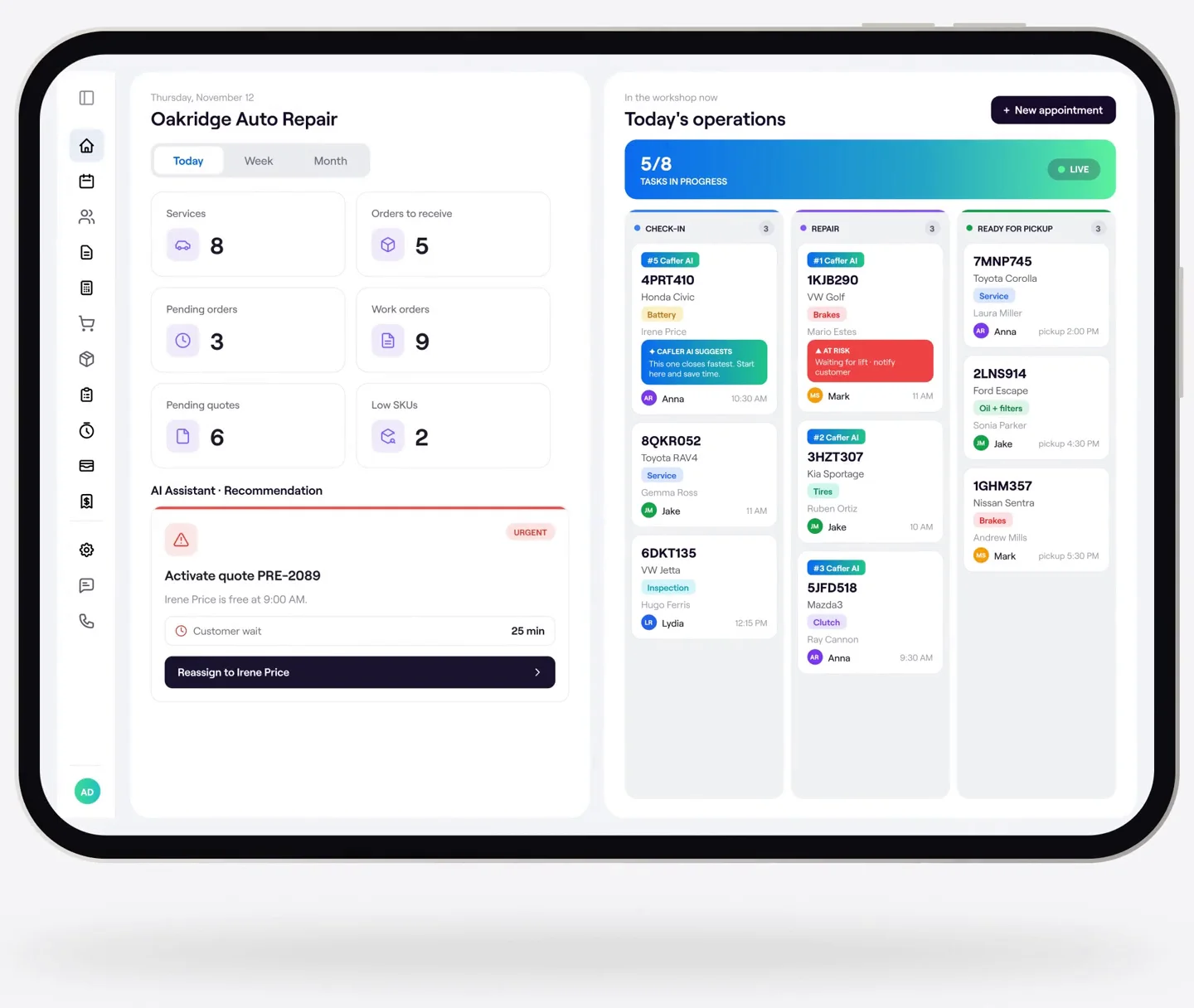
With the Duo closed, the AI Assistant is one tap away. Ask it what you'd ask someone in the office, and it answers with your workshop's own data:
- "What's running low?" It tells you which parts are below minimum stock and offers to order them from your usual supplier.
- "Which cars are ready for pickup?" The list, with their plates.
- "How's the day going?" Appointments, open work orders and what's still pending.
You ask whenever you need to, without waiting to get back to a computer. And anything the assistant prepares, like a parts order, only goes out once you confirm it.
2. Open in your hands: check-in right by the car
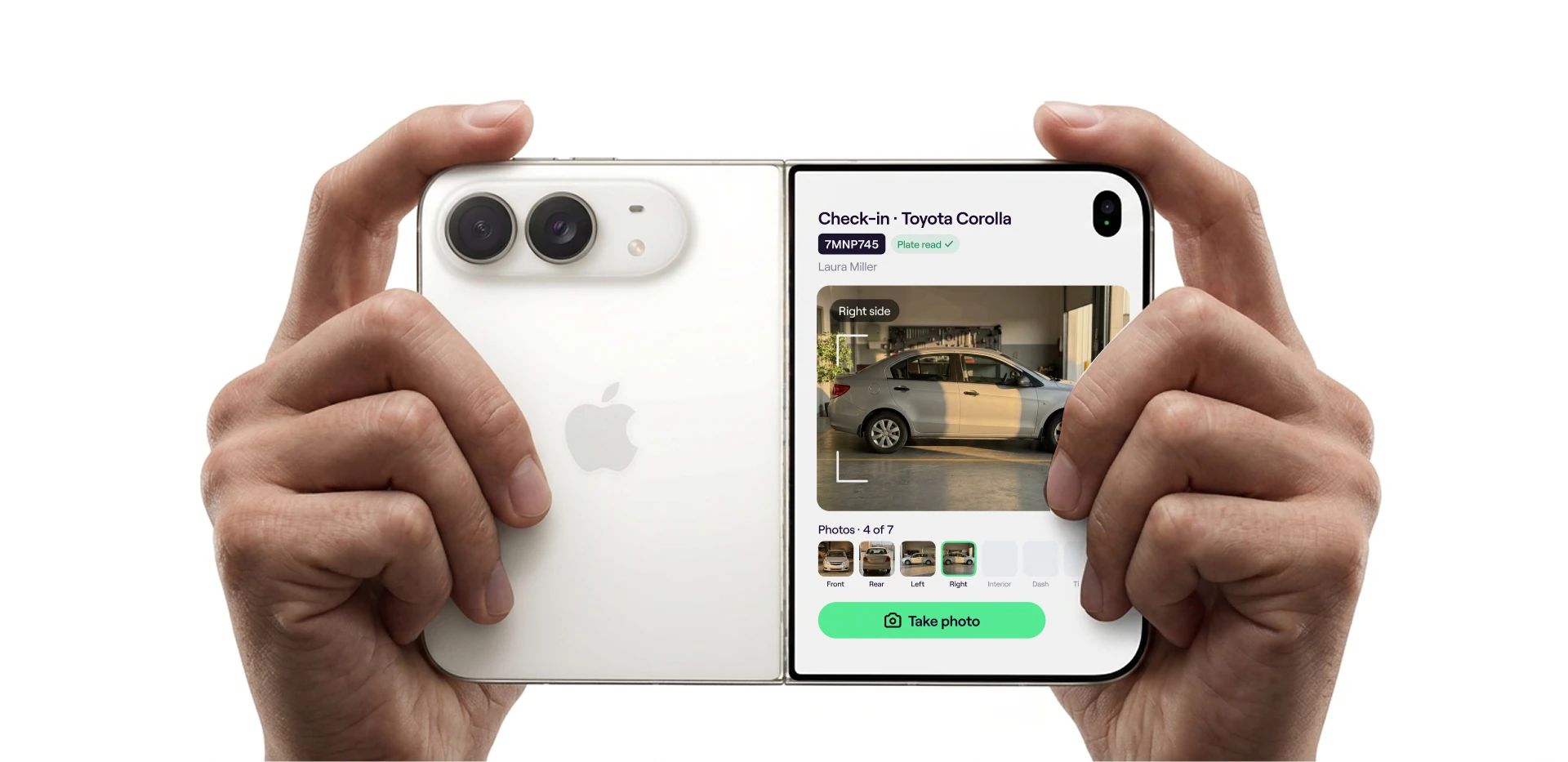
Check-in is when you walk back and forth between the car and the front desk the most. With the Duo open in your hands, it all happens beside the vehicle: read the plate, take a photo of every side and open the work order right there.
The photos stay attached to the work order with their date. If the customer asks about a scratch later, the answer is on file.
3. Fully open: the whole day at a glance
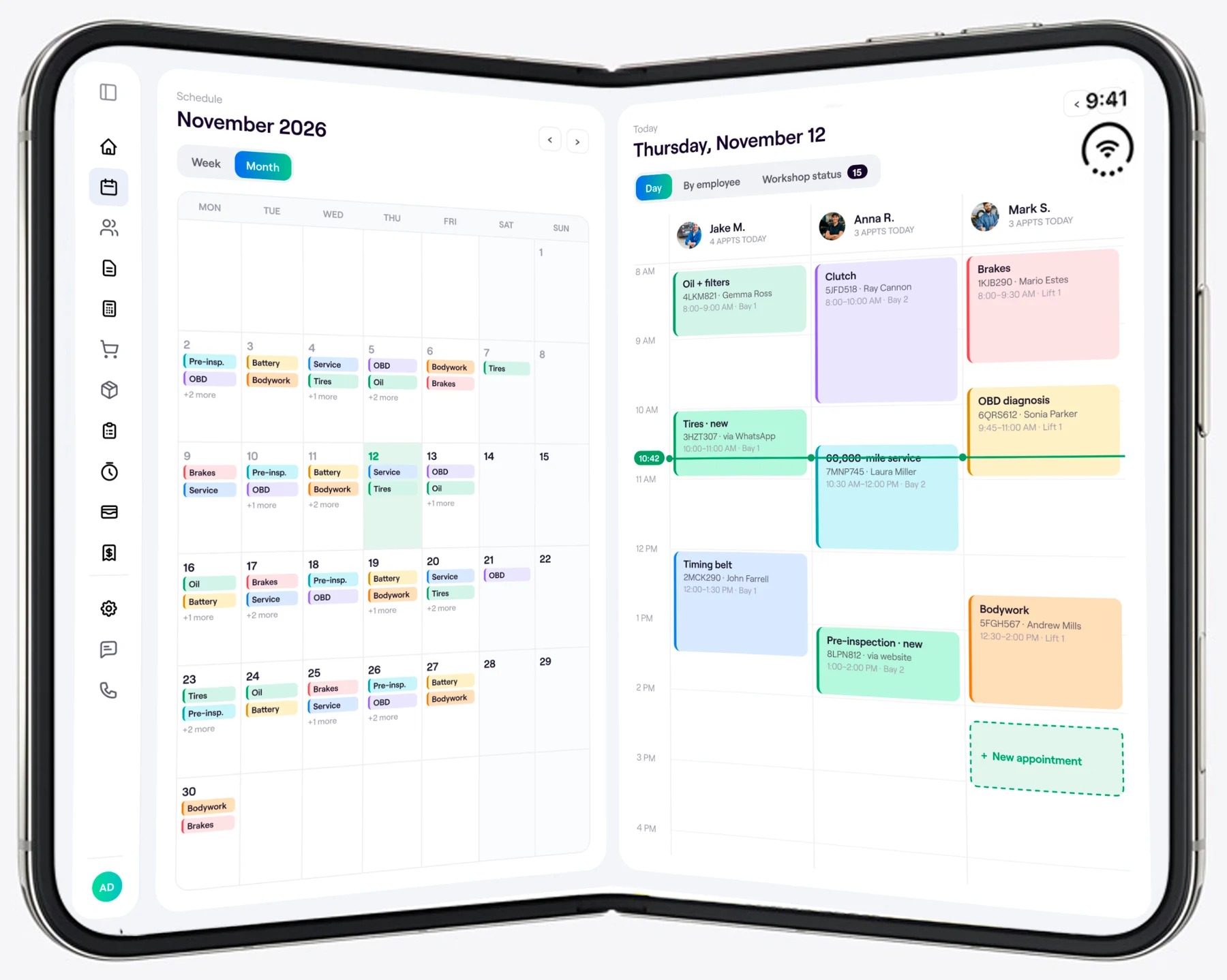
Fully open, the Duo shows the schedule just like a computer does: the month on one side and the day by technician on the other, every appointment in its slot. You can see at a glance who has room at noon, move an appointment or book a new one without losing sight of the rest of the week.
Do I need to install anything on the phone?
No. Cafler OS opens in the Duo's browser with your login, just like on a computer, and whatever you do on the phone shows up at the front desk right away. It also works on any other phone, tablet or computer: the Duo is simply where it fits best, because open, it has room to show Cafler OS almost like a computer does.
“Closed, it's your phone. Open, it's your workshop.”
For multi-location workshops: a Duo at every location
The offer comes with Cafler Growth, the plan built for workshops with more than one location. Every manager carries their workshop in their pocket, and you see the whole network as one operation:
- Connected locations: customers, vehicles, stock and prices shared across all your workshops.
- Network-scale volume: up to 10 people and 800 work orders and quotes a month at each location.
- End-to-end purchasing: from the supplier order to receiving the parts.
- Fleets and business customers, with their vehicles, terms and billing.
- Cafler AI included: the AI Assistant and agents working across every location.
How much does the iPhone Duo with Cafler Growth cost?
The offer is per location, with a 24-month subscription and phone. Here's how the price breaks down, plus tax:
- Growth plan, per location: $269.00/mo.
- 256 GB iPhone Duo, over 24 months: $83.29/mo.
- Cafler covers 20% of Growth: −$53.80/mo.
All in, $299/mo per location, with the full Growth plan and an iPhone Duo at each one. If you have several locations, each one gets its own plan and phone.
What you need to set up for it to work
The Duo puts everything in your hand, but what it shows depends on how your workshop is set up in Cafler OS. It comes down to four things:
- A login for everyone who will use it, with their permissions. Each manager sees their location; you see the whole network.
- Your minimum stock levels and suppliers, so the assistant knows what's running low and who to order it from.
- Your technicians and their hours in the schedule, so the day-by-technician view is complete.
- Check-ins that go through Cafler OS, not a notepad. Whatever goes into the work order is what you find on the phone later.
You'll notice it at check-in on day one. A few weeks in, you'll notice how rarely you need to go back to the office.
Apple, iPhone and iPhone Duo are trademarks of Apple Inc. Prices per location, plus tax, with a 24-month subscription and phone.