
QuickBooks
Connect your shop operations with your QuickBooks accounting: invoices, customers and payments in sync, with nothing typed twice.
Cost: Plan requiredInvoicing
Available in United States
 Chile
Chile Costa Rica
 Taiwan
United StatesChileCosta RicaTaiwanWhat it does
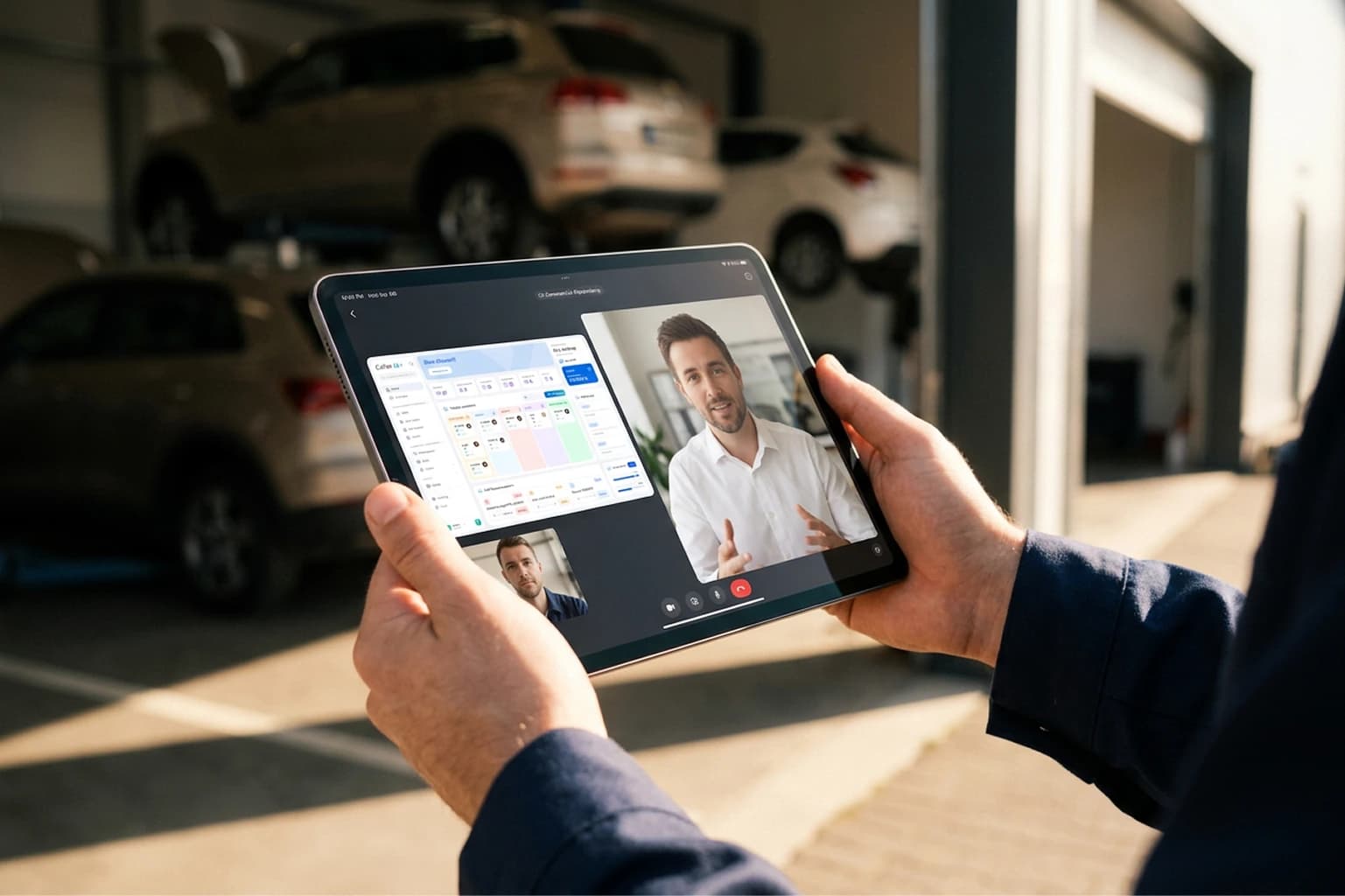
If your shop keeps its books in QuickBooks, Cafler OS connects to it so that whatever is closed in the workshop reaches your accounts. The invoice comes out of the work order, syncs with QuickBooks and the payment is recorded on both sides.
- Sync the sales invoices you issue from the work order or the estimate.
- Keep customers up to date in both systems, with no duplicate records.
- Record payments once and see them reflected in your accounting.
- See in Cafler which invoices are synced and which are pending.
How to switch it on
- 1Sign your shop up for Cafler OS: start with the free trial.
- 2Connect your QuickBooks account from the platform.
- 3Done: your shop invoicing and your QuickBooks accounting stay in sync.
Working with another tool?
The catalogue grows in stages and every integration is built by Cafler. Tell the team what you work with and we will tell you what is live today and what is on the way.